Acebyte > Acebyte Utilities >Protect Privacy


- Clean up ANY usage histories on your computer
- Prevent PC from ID thefts
- Detect confidential data stored deep inside of your system
- Improve PC performance by freeing up disk space
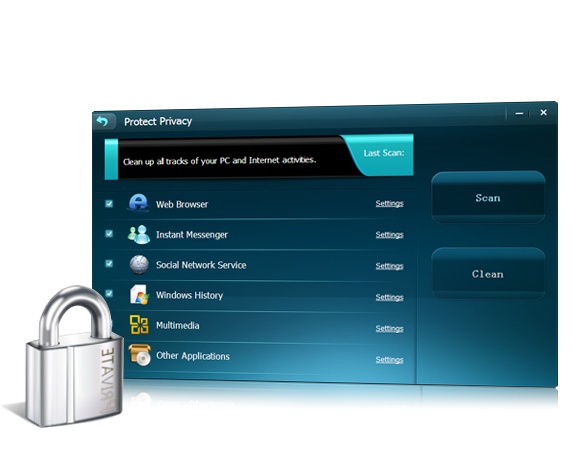
Clean up all tracks of your PC and Internet activities
Know More
- >>System Care
- >>Privacy Protect
- >>Turbo Boost
- >>Internet Clean
- >>Memory Manager
- >>Startup Manager
- >>Disk Defragment
- >>Registry Cleaner
- >>Registry Defrag
- >>Disk Cleaner
- >>Shortcut Cleaner
- >>Undelete
- >>Unlocker
- >>File Shredder
- >>File Encryption
- >>Cloned File Finder
- >>File Splitter
- >>Empty Folder Finder
- >>Top File Finder
- >>Uninstall Manager
- >>Disk Check
- >>Process Manager
- >>Context Menu Fixer
- >>Driver Backup
- >>Shutdown Scheduler
Acebyte Utilities
Register Cleaner
Useful Links
Hot Tags
Acebyte | Affiliate & Partners | Links | Sitemap | Privacy | Terms of Use | Contact us
Copyright © Acebyte. All rights reserved
Copyright © Acebyte. All rights reserved